Dota 2 Stickers Explained: Collections, Hero Display and Voice Lines
Team stickers, talent stickers and voice lines work differently; here is how to tell them apart.
Project editor:GrassKnuckles

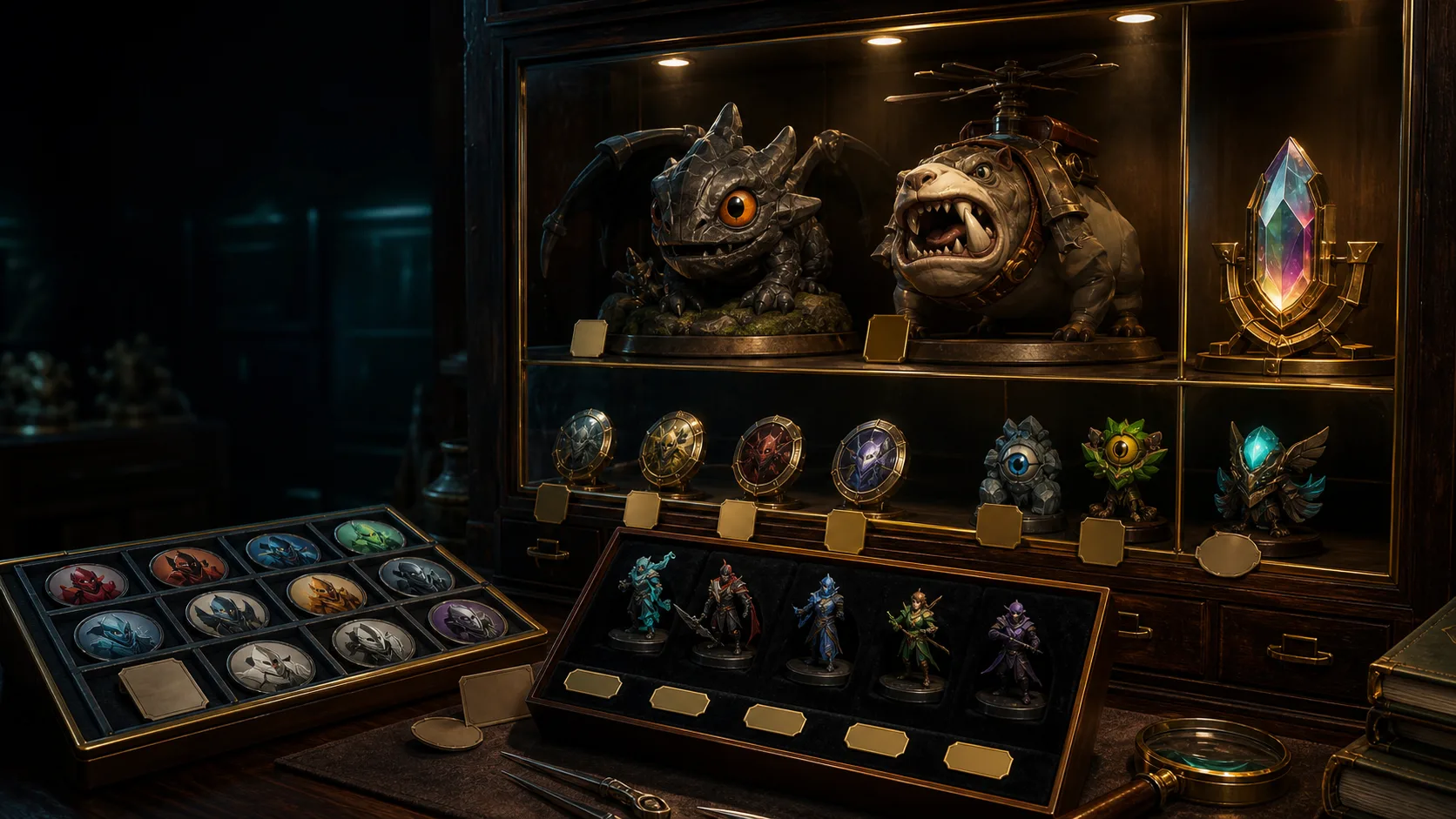
Buy a Dota 2 sticker by its subject, year, finish and intended use. A loose collectible, a displayed sticker and a voice-line unlock are three different results. Decide which one you want before picking the cheapest item with a familiar team or talent name.
What the 2022 launch introduced
On 20 September 2022, Valve introduced TI 2022 team and player sticker capsules with Basic, Glitter, Holo and Gold finishes. The system included collection pages, team pages and hero Versus/MVP display. These are cosmetic features, and a Gold finish changes only the look.
Our July 2026 price data also lists Crownfall Sticker - Kunkka, a Standard-quality sticker with no equipment slot. It is a hero-themed event sticker outside the TI 2022 talent line, so the voice-line rule from the talent announcement stays with those stickers. For a team display page, a Basic team sticker may be all you need. For a particular talent voice line it is the wrong item, even though both are stickers. A different tournament year or finish is also a different collectible when you compare prices; browse the sticker list to compare editions.
Voice lines have a specific rule
Valve’s 29 September 2022 announcement tied permanent talent lines to applying the relevant Holo or Gold talent sticker to a hero or collection. A 30 September follow-up added a direct purchase option for lines. That rule covers those stickers, not every Basic team sticker, and later editions may work differently.
If you want a line, note the talent, language and edition first. Check that the item description grants the line and that the application condition fits your plan. If you would rather keep the loose collectible, applying it for a line is a different decision and can be irreversible.
Plan the display before applying
- Choose the collection page or hero destination in the client.
- Match the subject, finish and year to the loose item.
- Read the application confirmation, including replacement and removal warnings.
- Apply only when you accept what happens to the loose item.
- Check the display and the voice-line unlock separately, since buying and applying are not always one step.
Do not expect to get a displayed sticker back as a sellable loose item. If the confirmation is unclear, leave it unapplied.
Choose the finish for its use
For a team display, compare finishes by how they look where you will apply them. For a talent line, confirm the eligible sticker first: a cheaper finish without the required unlock gets you a different result.
Pay for the display or voice line you actually want rather than for a belief that the highest finish must be best. If a line is unlocked but you have trouble finding or assigning it, the chat-wheel guide covers access and setup.