Dota 2 Cosmetic Types Explained
Pick the type by what you want to change, then filter by rarity.
Project editor:GrassKnuckles
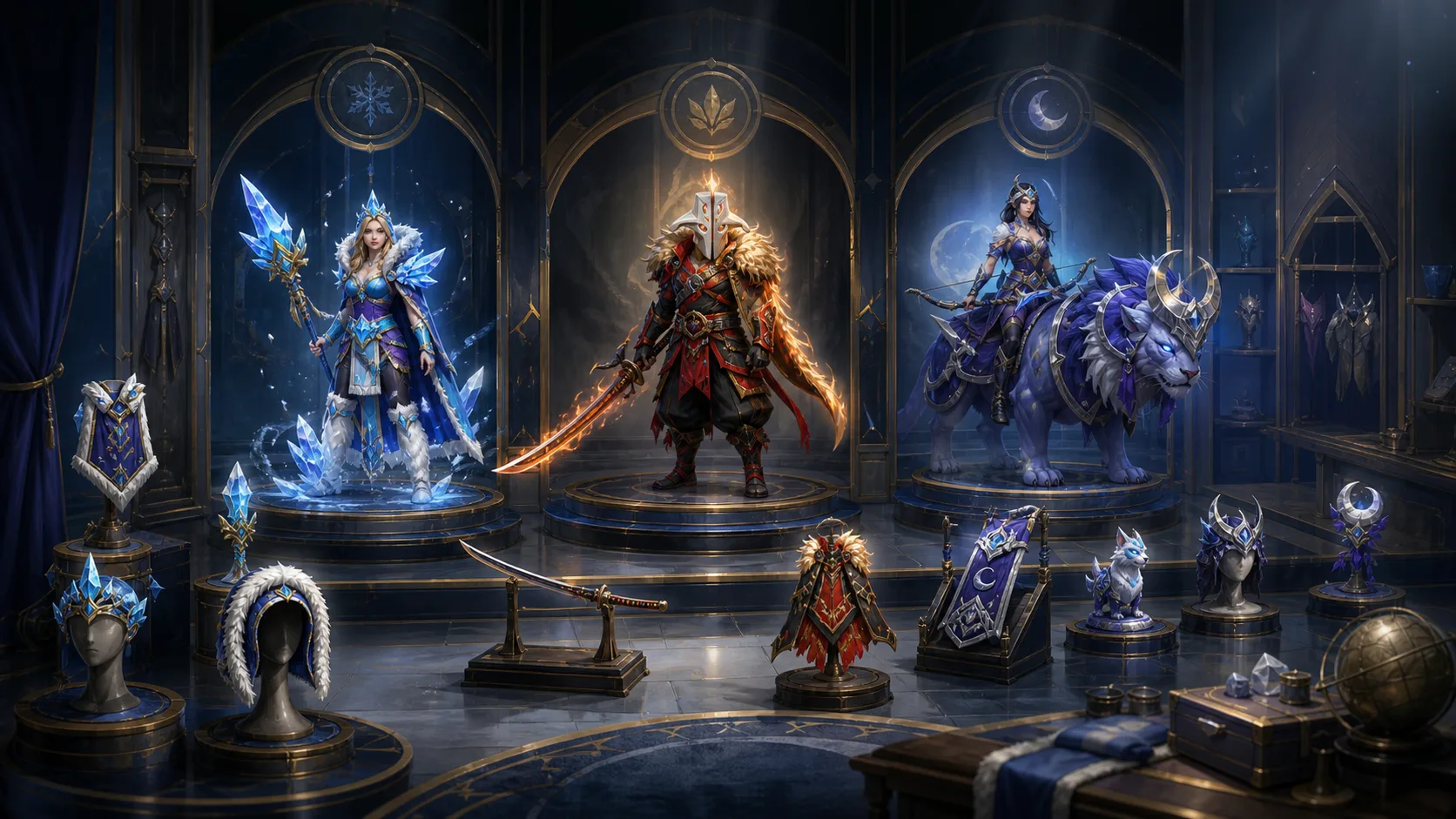
Dota 2 cosmetics fall into a few types: wearables for one hero slot, bundles, Personas, taunts, couriers, wards, terrain, weather, music, announcers, gems and stickers. Start with what you want to change, then pick the type. Rarity and quality are separate labels: a Legendary courier and a Legendary weapon solve different needs, and Inscribed describes a modification, not a whole outfit.
Clothing, bundles and alternate heroes
A wearable changes one equipment slot. A bundle packages specified contents; it may fill only some slots and include less than the image shows. A Persona is an alternate visual and thematic take on the hero and can require its own equipment. A taunt is a purely cosmetic action: Jakiro’s Fluid Mechanics is a historical 2017 example.
If you want a helmet for your current outfit, search for a compatible head item. Buying a whole Persona because its promotional image shows a helmet is a much bigger decision. Likewise, an accessory pictured on Young Invoker does not unlock Young Invoker.
Across heroes: creature, map or audio
The 2015 Compendium introduced Wyvern Hatchling as a courier (see the Genuine Wyvern Hatchling page) and The Watcher Below as a ward cosmetic. A courier changes the delivery creature’s appearance; a ward cosmetic changes the ward model, while your number of wards stays the same.
Terrain changes the look of the map, weather adds an atmospheric layer and music changes the soundtrack. An announcer changes commentary rather than music. Reef’s Edge terrain and the Kunkka announcer from 2017 are two different categories; owning one does not mean owning the other.
Gems and collectibles sit outside the outfit
Supported gems can add counters, signatures, effects or colours to compatible host items. Team, player and talent stickers have edition-specific collection and display functions. A loose gem or sticker is one add-on rather than a complete hero costume, and a loading screen with Arcana artwork is still a loading screen.
Read a catalogue result as an object
- Find the exact name in the item list, then read the type, hero and slot where shown.
- For a bundle, inspect its component list; for Persona equipment or a gem, find the required base.
- Separate rarity from quality and compare the same version.
- Preview the feature in the game and check the final price and eligibility.
In our July 2026 price data, searching for names containing Ghillied Gunman returns 17 items. Only six are Standard quality: one Bundle and five Wearables. The other quality versions are different versions of the same pieces, so skip them when counting. Filter by the version and object type you want before counting contents, because a search count is neither a set size nor a count of copies in circulation. A Standard version and a modified version should also be compared by more than their base name.
Use the Arcana, Persona and set comparison for whole-hero changes, or the terrain, weather and music guide for map and audio decisions. Cosmetics change looks and sound only.