Dota 2 Buy Orders vs Buying a Listing
Pick a price limit or an existing listing, and know when each one makes sense.
Project editor:GrassKnuckles

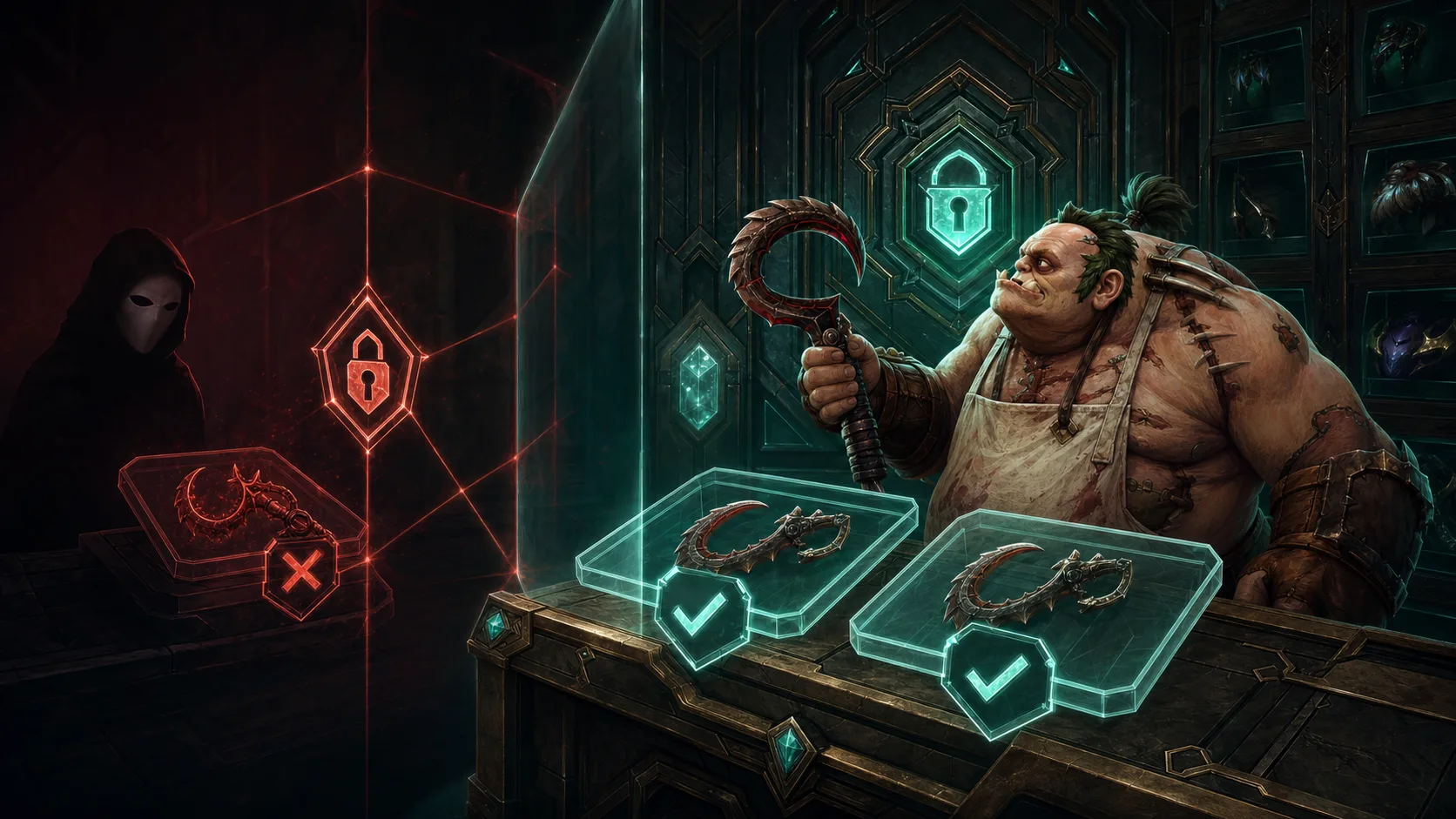
Use a buy order when your price limit matters more than timing. Buy a listing when you want one particular copy now. A buy order sets the highest price you will pay and waits for a seller to match it, so it may stay open. A listing exists today, but another buyer can take it before you check out.
The $0.50 saving only counts if the order fills
Say a matching listing costs $5 and your order is $4.50. If one copy fills at your limit, you save $0.50. If nobody sells at that price, you get neither the item nor a saving. For two copies your limit is $9, and nothing promises two sellers or a delivery time. These figures are examples.
Before you place the order, set the quantity and a date to review it. If you want the cosmetic for games this week, weigh that against the possible saving. Raising the bid again and again defeats the point of a limit.
A category match may not be the copy you want
One market category can lump together copies with different unlocked styles or gems. If you want an Unusual courier with a specific effect and colour, check what the marketplace’s order actually matches. The same model name can hide a different configuration.
For a listing, check the full name, quality, contents, final charge and transfer date (the overpriced-listing guide shows what to compare). A single component is only that piece, never the whole bundle in a set preview. “Instant buy” means picking an existing offer; account or item restrictions can still delay delivery.
Check active orders before buying elsewhere
Suppose your two-copy order fills one copy while you browse another marketplace. If you buy two there, you now own three, and the rest of your order can still fill a fourth. Check the filled and remaining quantity first. If you cancel, wait for the final status: a cancel request alone leaves open whether something filled in the meantime.
What the price table shows
The price table lists a buy-order price for many items. It is a reference price, separate from your own order, and it tells you nothing about your place in the queue, how long a fill takes or how many copies buyers want. Use it to decide what to look at on the marketplace, such as the Steam Community Market. After a real purchase, check the receipt and your inventory.
If you can wait and any matching copy will do, a price-limited order suits you. If the style, gems or arrival date matter, inspect a specific listing and its restrictions. The buying-threshold guide helps you set a budget before either choice.