Dota 2 Trade Holds, Market Restrictions and Gifting
A trade hold, a Market restriction and a gift-only item are different problems. Here is how to tell them apart.
Project editor:GrassKnuckles

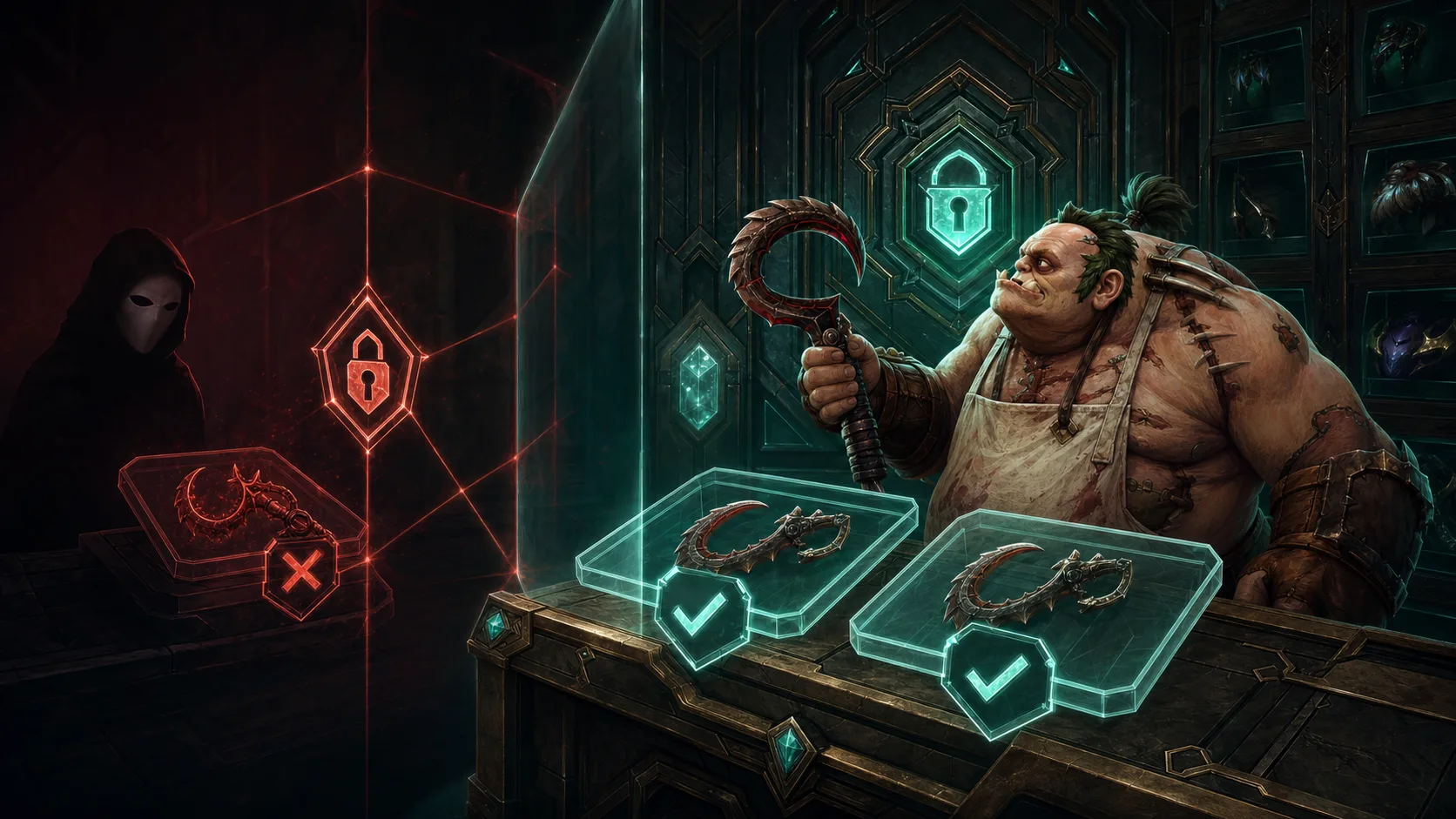
Start with the exact message on the item and the action you tried. A trade hold blocks trading until a date, a Market restriction blocks selling the item on the Market, and a gift-only reward can be sent only through the gift option. Each needs a different fix, and “wait seven days” fits only some of them.
Write the message down
Note the item’s full name, the action you tried, the exact notice and any expiry date shown. Then try the same action on another eligible item in your account. If only one copy is blocked, the cause is that item. If everything is blocked, look for a notice on the account itself. This only narrows down the cause.
| What you see | What it means | Don’t assume |
|---|---|---|
| Tradable after a date | A time condition on that copy | That it can be sold on the Market at the same time |
| Not marketable, expiry blank | A Market restriction | That waiting will remove it |
| A gift option exists | You may be able to send it as a gift under gift rules | That you can sell it safely for money |
| An account notice blocks the Market | A restriction on the account | That changing the item will restore access |
Check the container and the reward separately
A treasure, an unopened set and the pieces inside can each have different restrictions. Don’t open a bundle just to see whether its pieces become transferable. Opening changes the item you own and your support options, and the pieces may still lack the permission you want. A price listed for another copy tells you nothing about the restrictions on yours.
A date is not a universal countdown
If your inventory shows an expiry, check its time zone and look at the status again once that time has passed. Without a clear time, nobody can promise the minute an item unlocks. Keep account protections switched on, and treat any “hold removal” deposit as a red flag. For an account restriction, use Steam’s trading help and contact Steam Support yourself instead of following a one-size timer from someone else’s instructions.
Gifting leaves a payment made elsewhere unprotected
Imagine a seller who asks for $20 now and promises a gift later. Even if the gift option is real, your $20 is at risk until the gift arrives. A friendship timer or a gift counter says nothing about the seller, your refund rights or a future transfer. Don’t send a deposit to learn the rules afterwards.
Once you know the action is allowed, check the final trade and the recipient. If the action is blocked, stop there. You can still use the cosmetic in your loadout; it simply stays with you. If you want to sell an item that is allowed, see the Steam selling walkthrough.