How to Cash Out Dota 2 Items: Check the Whole Route
Find out where the money can go before you transfer the cosmetic.
Project editor:GrassKnuckles

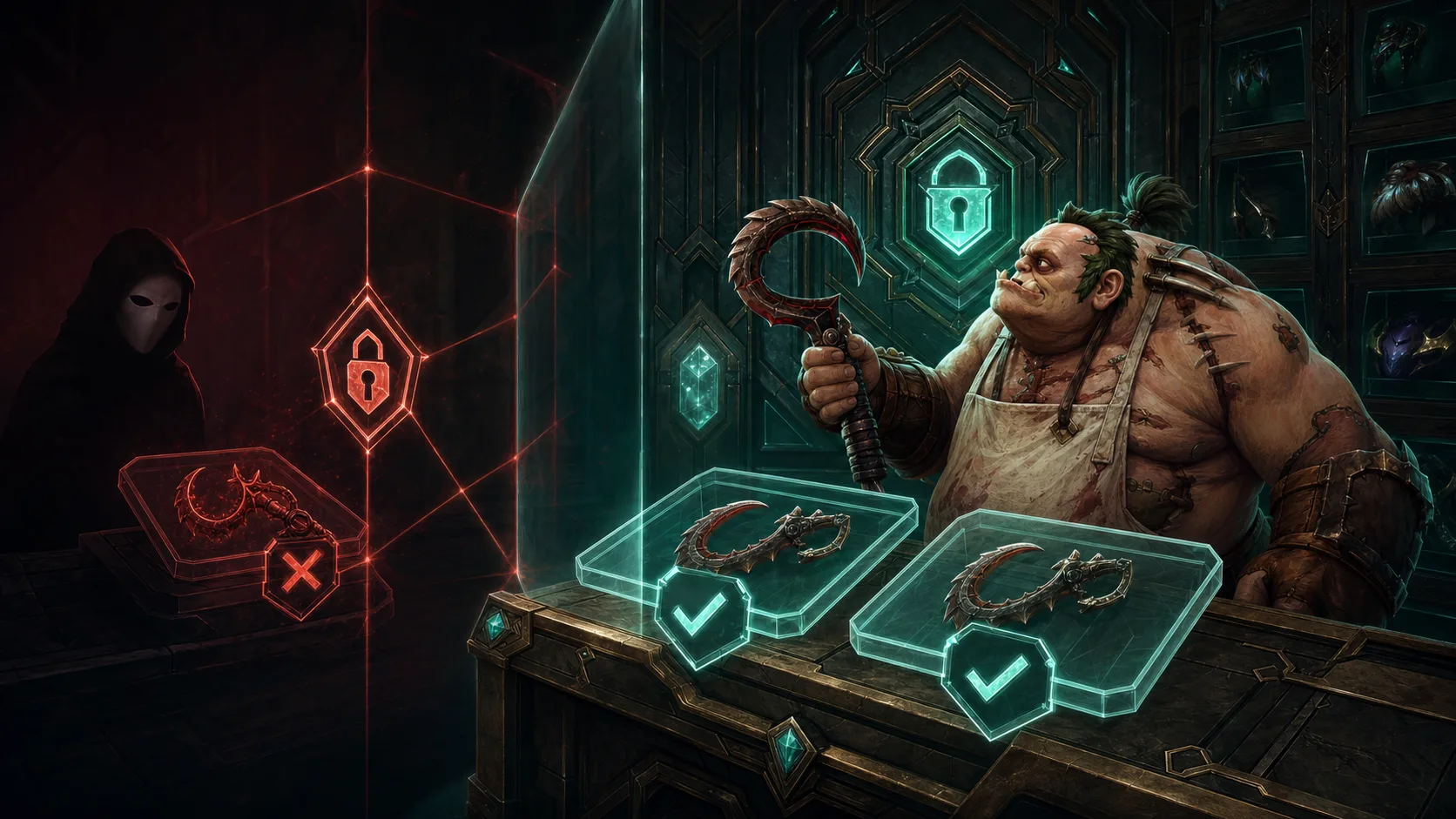
To cash out a Dota 2 item, sell it on a marketplace that accepts it and can pay out to you in real money. Check that payout route before you transfer anything. The Steam Community Market pays Steam Wallet credit, and a swap site’s “cashout” may mean taking other items instead of money.
Trace the route backwards from your account
Start with the country and payment method you can legitimately use. Check identity verification, payout currency, minimum, fees and account limits. Next, confirm that the marketplace accepts your exact Dota item and variant, and that your copy can be transferred. Only then separate a direct offer from a listing that still needs a buyer.
Use the marketplace directory to compare how each one pays, then check your own account’s terms. Our marketplace details date from July 2026 and some are incomplete, and we have not tested deposits or payouts for this update. Some marketplace links are affiliate links; the directory carries no safety ranking.
A lower offer can leave you with more money
Here is a hypothetical comparison with made-up fees and a withdrawal minimum. Route A sells for $100, deducts 5% and charges $2 to withdraw: $93 before currency conversion. Route B sells for $96, deducts 2% and charges nothing extra to withdraw: $94.08. The lower sale price leaves $1.08 more.
But if B requires a $100 withdrawal minimum and you have no other balance, the $94.08 can’t be paid out. Settle the minimum before you sell, and don’t deposit extra money just to find the limit. Compare amounts after currency conversion too, because USD and EUR are different.
$93 in a balance is not $93 in your bank
Keep these stages apart: item accepted, listing active, sale completed, funds available, payout submitted, and arrival in your bank or payment account. A direct offer saves you waiting for a buyer, but transfer and verification conditions still apply. A stated processing time is a promise, and only the arrival of funds completes the payout.
Before you confirm the deposit, check the exact recipient and both sides of the Steam offer. Save the order number and the fee breakdown. After the payout, compare the amount you received in its actual currency; network, processor or conversion charges can change the final result. A small successful payout proves only that one payout.
If the route is unclear, keep the item
If your country is unsupported or you can’t confirm a payout route for Dota items, keep the item for now. That limit applies to your transaction, and it says little about a marketplace whose details are partly documented. To choose between keeping Wallet funds, selling for cash and swapping, see the route comparison. For the Steam route, follow the Steam selling walkthrough and check amounts with the fee calculator.