How to Trade Dota 2 Items Safely: Trade Holds and Scams to Avoid
How Steam trades, trade holds and trade bots work, and the scams that cost Dota 2 players their inventory.
Project editor:GrassKnuckles

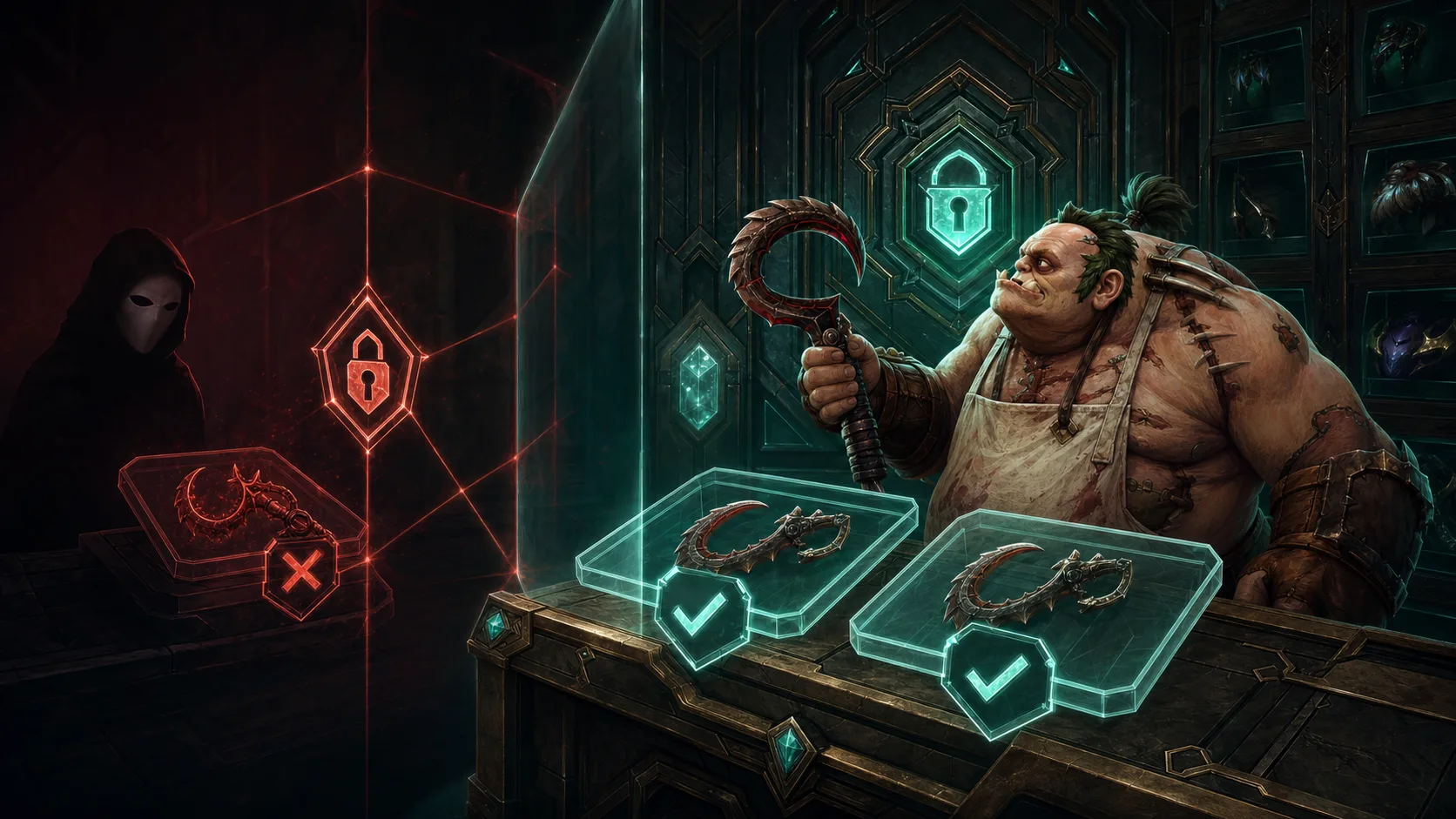
To trade Dota 2 items, send a Steam trade offer, check both sides of it, and confirm it in the Steam mobile app. Turn on the Steam Guard Mobile Authenticator at least 7 days before you trade. Without it, items leaving your account wait in a trade hold for up to 15 days. Steam trades carry items only, so any deal that includes money, Wallet credit or a promise “later” is outside the trade.
How a Dota 2 trade works on Steam
- Check the item. Open your Inventory, choose Dota 2 and select the item. The Tags section says whether it is tradable. Items bought in-game or on the Market stay locked until the date shown on the item, and Dota 2 timed drops can never be traded or sold.
- Start the offer. Go to Inventory, then Trade Offers, then New Trade Offer, or use “Offer a Trade” on a friend’s profile. Someone who is not a friend needs to give you their trade URL.
- Add both sides. Drag items from both inventories into the trade boxes, tick the confirmation box and press Make Offer.
- Confirm on your phone. With a Mobile Authenticator you approve the offer in the Steam app. Without one, Steam sends the confirmation request by email.
- The other player accepts. Only then does the exchange happen, unless a trade hold applies.
Hover over every item before you confirm. A courier with different gems or a plain item next to an Inscribed Dragonclaw Hook look similar in a thumbnail but are different items. Our gems guide shows what to look for.
Steam Guard, trade holds and cooldowns
Steam uses several timers to protect accounts. Steam Support cannot change any of them, so plan around them before you agree a deal.
| Situation | What happens |
|---|---|
| Steam Guard has been on for less than 15 days | You can’t trade or use the Community Market |
| No Mobile Authenticator for the last 7 days | Items leaving your account are held for up to 15 days |
| Authenticator added in the last 7 days | Trades made in that week can still have a hold of up to 15 days |
| Authenticator removed | No trading or Market use for 15 days |
| New device approved by email code | No trading from that device for 7 days, unless your authenticator is already 7 days old |
| You cancel an accepted trade during a hold | 7-day trading cooldown |
| Password reset (not a normal password change) | 5 days without trading, or 30 days if the account was inactive for over two months |
Some limits sit on the item instead of the account. Newly bought Dota 2 treasures can’t be sold on the Market for the time shown on the item. Read trade holds and gifting to work out which restriction you are looking at.
How Dota 2 trade sites and bots work
Most “Dota 2 trade” websites are run by bots, which are automated Steam accounts. You sign in with Steam, pick the items you want from the bot’s inventory, and the site sends a normal trade offer from the bot account. You confirm it in the Steam app like any other trade. The site prices the swap, and its fee is either listed or built into the prices.
Cash marketplaces work differently. You list an item, a buyer pays the site, and a trade offer moves the item to the buyer. The money reaches you through the site’s payout method. Our marketplace directory lists fees and payouts for swap sites such as Tradeit, CS.TRADE and SkinsMonkey, and for cash sites such as DMarket and Skinport. The where-to-buy guide compares them side by side.
Before you use any site, ask three questions. Does it only ever ask you to sign in through Steam’s own page? Does it show the trade partner’s Steam profile? Do the items in the Steam offer match what the site showed? If any answer is no, stop.
Common Dota 2 trading scams
| Scam | How it works | What to do |
|---|---|---|
| Fake login page | A lookalike site asks for your Steam name, password or Guard code, for example behind a “trade bot login” or a giveaway | Sign in only on the official Steam domains below |
| Trade redirection (“API scam”) | A hijacker with access to your account swaps the trade partner for an impersonation account and hopes you skip the phone check | Read the full confirmation screen every time; revoke unknown API keys |
| Impersonation | A copy of a friend, a known trader or “Steam Support” on Discord or Steam chat asks for items or a link click | Check the profile and account age in the offer; Steam never contacts you in chat |
| Fake middleman | A “trusted” third party holds your item until the other side pays | Do the whole deal in one trade offer |
| Buy-it-for-me | They ask you to buy a Market item and trade it over, promising something better in return | Refuse; the seller is usually working with them |
| Money outside the trade | Payment promised by PayPal, gift card, Wallet credit or crypto after you send the item | Sell through the Market or a cash site instead |
| Malware tools | Fake cheats, inventory managers or “beta” apps that steal your session | Install software only from official sources |
Fake login pages and “auth.dota.trade legit?” checks
Steam’s official sign-in addresses are www.steampowered.com, store.steampowered.com, steamcommunity.com and help.steampowered.com. A site that offers “Sign in through Steam” should hand you over to one of these pages, and you never type your password into the third-party site itself. If you land on an address like auth.dota.trade, apply the same test: look at the domain in the address bar, not the page design. Close the tab if a site asks for your password, a Guard code or a QR scan outside Steam’s own page.
API key and redirection scams
In a redirection scam, someone who already controls your account cancels your trade and replaces the recipient with an account they own. Steam’s phone confirmation shows the real recipient, so read it fully. If you ever shared an API key, or suspect a hijacker created one, revoke it at steamcommunity.com/dev/apikey and change your password.
Fake middlemen and one-sided trades
Steam recommends avoiding middlemen. A middleman can impersonate a trader, work with the scammer or keep what you send. The same goes for any plan to “send your item first and get the rest in a second trade”. Steam allows up to 256 items in a single offer, far more than a real deal needs, so a trade split in two is a warning sign. A promise of money outside Steam is just as weak, because the trade window can’t hold PayPal, gift cards or Wallet funds.
Checklist before you press Confirm
- The partner’s profile, account age and friend status match the person you expect.
- Every outgoing and incoming item has the right name, quality, style and gems.
- Nothing is missing from the offer. A replacement offer after a cancelled one is a new trade, so check it again from the start.
- You started the trade yourself, or you can trace the offer to a site you opened from your own bookmark.
- Nobody is rushing you. Pressure is the most common scam tool.
For a worked example, say you agree to swap your hook for a specific courier. If the second offer shows only your hook and a message saying the courier will follow, decline it.
If you were scammed or hijacked
Steam Support does not return items lost in a trade, with no exceptions. You can still act. Report the other account from its profile (the “...” menu, then Report Player), and sign out of all devices. Change your Steam and email passwords, scan your computer for malware, then recover the account through Steam Support if needed. Ignore anyone who says recovery is impossible or offers to “restore” items for a fee.
If you only want money for an item, a trade is the wrong tool. Sell on the Market for Wallet funds, follow our Market guide, or see how to cash out.
Quick answers
Is trading Dota 2 items safe?
Yes, when you use Steam’s own trade offers, read the full phone confirmation and refuse anything that adds money, a middleman or a second trade. Steam’s own guidance says trade scams can be avoided by reading the offer and keeping your account secure.
How long is a Steam trade hold?
Up to 15 days. It applies when your account has had no Mobile Authenticator for the last 7 days. Once the authenticator has been active for 7 days, holds stop.
Can I trade Dota 2 items for real money?
Not inside a Steam trade. Use the Community Market for Wallet funds, or a cash marketplace for a bank or crypto payout.
Do I need the Mobile Authenticator to trade?
Steam Guard must be on for 15 days before you can trade. The Mobile Authenticator is the way to avoid holds and to get the phone confirmation that shows the real recipient.